

Table of Contents
- Best Ways to Shop for Electronics: Your Step-by-Step Framework
- How to Compare Electronics Before You Buy
- Finding Reliable Online Electronics Stores
- Refurbished Electronics Buying Guide
- Electronics Warranty and Return Policy Essentials
- Common Mistakes to Avoid When Shopping for Electronics
- Frequently Asked Questions
Last Updated: October 11, 2026
Best Ways to Shop for Electronics: Your Step-by-Step Framework
The best ways to shop for electronics start with a clear process that protects your wallet and peace of mind. A structured approach separates confident purchases from buyer's remorse.
You need a framework covering research, comparison, verification, and protection before checkout.
Phase 1: Research and Define Your Needs
List your specific requirements: screen size, processing power, battery life, or compatibility with existing devices. Don't buy the most expensive option by default.
Match specifications to your use case. For gaming, a 144Hz refresh rate and 1ms response time matter more than panel size. For casual browsing, those specs are overkill.
Read the product manual or spec sheet before purchasing to reveal compatibility issues, warranty terms, and setup requirements that product photos won't show.
Phase 2: Identify Where to Buy
When comparing retailers, evaluate price competitiveness, return flexibility, and delivery speed.
Check multiple retailers for the same product. Note bundled accessories and extended warranties that affect total cost.
Phase 3: Evaluate and Compare
List key specifications for your use case. For wireless chargers, check wattage, device compatibility, and safety certifications. GrabIT carries multiple charging options designed for simultaneous multi-device charging.

Look for patterns in reviews, not individual opinions. Focus on verified purchase reviews and real-world concerns mentioned repeatedly.
Check ratings across multiple platforms. Significant differences suggest inconsistent quality or defective stock from one retailer.
How to Compare Electronics Before You Buy
Effective comparison saves money and reduces returns. The best ways to shop for electronics include a systematic evaluation process that catches incompatibilities and value gaps before checkout.
Check Specifications and Compatibility
Specifications determine whether a device will actually work for you. Don't rely on product photos or marketing claims. Read the actual technical specs provided by the manufacturer.
Verify operating system compatibility. A wireless charger designed for iPhone 16 and 15 may not work reliably with older models.
Check physical dimensions and weight to ensure the device fits your intended use environment.
Look for relevant certifications. Qi certification for wireless chargers ensures safety standards for temperature control and voltage protection.
| Specification Check | What to Verify | Why It Matters |
|---|---|---|
| Compatibility | Device models supported | Prevents incompatible purchases |
| Dimensions | Physical size and weight | Ensures fit for your space |
| Certifications | Safety and performance standards | Confirms quality and safety |
| Power Requirements | Voltage, wattage, charging speed | Determines functionality and speed |
| Warranty Coverage | What's included and excluded | Protects against defects |
Compare Pricing Across Retailers
Price comparison is straightforward but requires attention to detail. The same model may cost less at one retailer but include fewer accessories or a shorter warranty period.
Account for shipping costs and delivery timeframes. A cheaper product with slow delivery may not be the better deal if you need it urgently.
Watch for price drops before major sales events.
Read and Weigh Customer Reviews
Reviews reveal real-world performance that specs alone won't show, exposing issues like defective components or poor service.
Filter reviews by relevance to your use case. Someone complaining about a portable speaker in a quiet office may have unrealistic expectations.
Identify fake reviews by looking for suspicious patterns: reviews posted immediately after launch, generic praise, or accounts with no purchase history. Verified purchase badges are more trustworthy.
Finding Reliable Online Electronics Stores
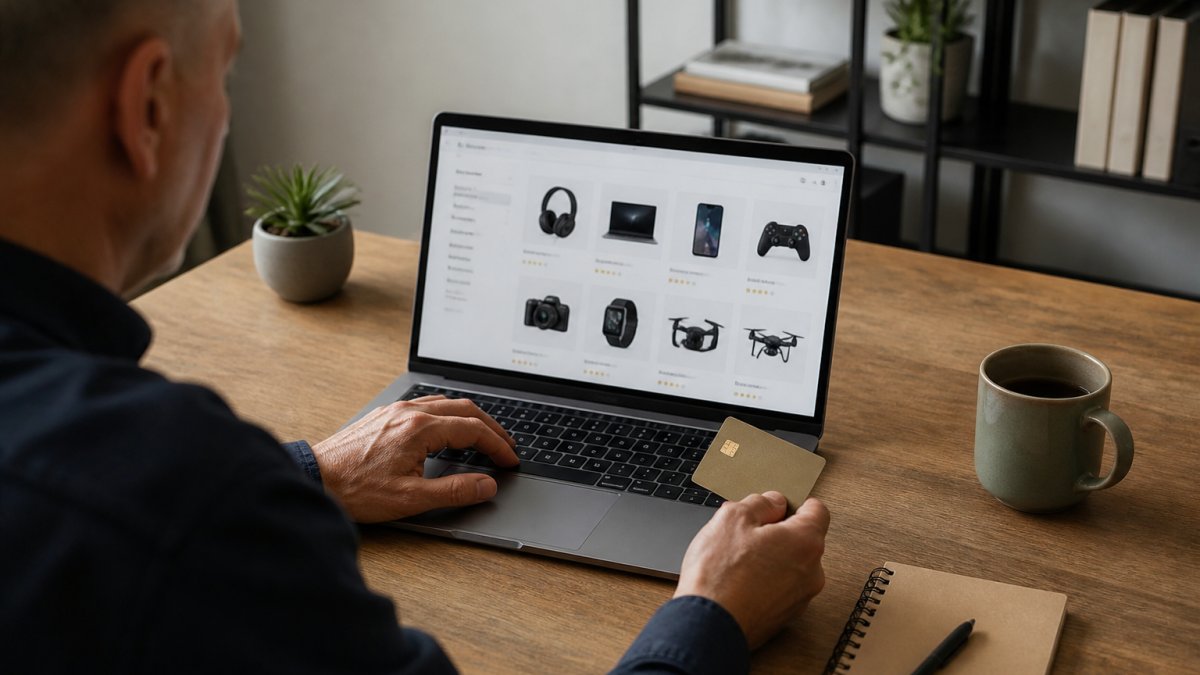
Trust is the foundation of safe online shopping. A reliable electronics store protects your payment information, delivers what you ordered, and honors its return policy without games.
Verify Seller Reputation and History
Check how long a retailer has been in business.
Look for business registration and licensing information in the website footer. A residential address or missing contact information is a warning sign.
Search for the retailer's name plus "complaints" on independent sites like Google Reviews and Trustpilot.
Verify the store stocks products it advertises.
Check Website Security and Payment Safety
Look for "https://" in the URL and a padlock icon, which indicate encrypted communication and protect your financial information.
Verify the payment processor is reputable. Avoid wire transfers or unusual payment methods that offer no buyer protection.
Check the privacy policy. Vague or missing policies suggest the retailer doesn't take data protection seriously.
Look for a physical address and phone number on the website. Hidden contact information is a red flag.
Confirm Customer Service and Support
Test the retailer's responsiveness before a large purchase by sending an email with a question.
Check for multiple contact methods: phone, email, live chat. A retailer with only a web form may be difficult to reach.
Review the return process. Clear, straightforward policies suggest confidence in product quality. Difficult returns often indicate expected problems.
Verify a physical location or established business address, which makes legal recourse easier if needed.
Refurbished Electronics Buying Guide
Refurbished electronics offer savings when you know what to look for. Understanding the condition categories and verification requirements helps you make informed decisions.
3 IN 1 FOLDABLE WIRELESS CHARGER →
Understanding Refurbished, Open-Box, and Used Conditions
The term "refurbished" covers a range of conditions, and retailers use it inconsistently. A device labeled refurbished might be barely used or heavily repaired. Understanding the distinctions prevents disappointment.
New means unopened and unused with full manufacturer warranties. Open-box means barely used with 10-20% savings. Refurbished means tested and cleaned with 20-40% savings and shorter warranties. Used means previously operated with 50%+ savings but no warranty and highest risk.
Manufacturer refurbished items are generally different from third-party refurbished products. Manufacturers have incentive to maintain quality and stand behind their work. Third-party refurbishers vary widely in standards and reliability.
What to Verify Before Purchasing Refurbished Items
Ask for a detailed condition report describing cosmetic condition, functional testing, and replaced parts. Vague descriptions are insufficient.
Verify warranty period (typically 30-90 days) and whether it covers defects only or accidental damage.
Confirm the return policy explicitly. Ensure you have at least 14-30 days to test the device.
Request photos or a video of the device in operation to verify it works before shipping.
For devices with batteries, ask for battery health percentage, as worn batteries may need replacement soon.
Electronics Warranty and Return Policy Essentials
Warranties and return policies are important when things go wrong. Understanding what they cover and their limitations helps prevent surprises.
Understanding Warranty Coverage
Manufacturer warranties cover defects for a set period but may exclude accidental damage, water exposure, and misuse.
Extended warranties extend coverage beyond standard periods but may exclude common failure modes or require deductibles.
Accidental damage protection covers drops and spills but costs extra. Some retailers bundle it; others sell it separately.
Read the fine print to understand what's covered. Some warranties require returning the device to the manufacturer; others offer mail-in service or replacements.
Evaluating Return Policies That Protect You
Look for a return window of at least 30 days, enough time to unbox, set up, and test the device.
Check whether returns include refunds or store credit. Refunds are always preferable; store credit traps you into shopping with that retailer. Confirm that refunds include shipping costs if the retailer was responsible for the problem.
Understand restocking fees. This reduces your effective refund and should factor into your decision.
Verify the return shipping process. Does the retailer provide a prepaid label? Do you pay for return shipping? Prepaid labels remove friction; paying out of pocket adds cost and inconvenience.
Check the condition requirements for returns. Some retailers require devices to be in "like new" condition, meaning no cosmetic damage. Others accept returns with minor wear. Unreasonable condition requirements effectively prevent returns.
Common Mistakes to Avoid When Shopping for Electronics
Experienced buyers avoid these patterns that lead to wasted money and frustration.
Buying on impulse without research. The newest product isn't always the best for your needs. Spending time on specifications and reviews helps prevent bad purchases.
Ignoring compatibility issues. A wireless charger that doesn't work with your phone is not useful regardless of price.
Choosing brand over specifications. Premium brands command higher prices, but a lesser-known brand with better specs for your use case can deliver more value.
Skipping the return policy review. A great price can become a bad deal if you can't return it. Return policies vary dramatically.
Buying the most expensive option by default. Expensive doesn't mean better. The Samsung Odyssey G70B at $619.99 is expensive because it delivers 4K gaming performance.

Trusting only five-star reviews. Products with only perfect reviews are often new with few real users.
Overlooking total cost of ownership. A cheap printer with expensive ink cartridges can cost more over time. A monitor with poor warranty coverage may need repairs.
The best ways to shop for electronics combine research, comparison, and protection. Start by defining your actual needs, not your wants. Compare specifications and prices across multiple retailers.
GrabIT makes this process simpler with a curated electronics selection, transparent pricing, and a no-hassle return policy that removes the risk from your purchase.
Frequently Asked Questions
What should I look for when buying electronics?
Start by defining your specific needs and budget. Check product specifications, compatibility with your existing devices, and warranty coverage. Read customer reviews from verified buyers to understand real-world performance. Compare prices across reliable retailers and verify the seller's reputation before completing your purchase. GrabIT offers curated electronics collections with detailed product information to help you make informed decisions.
How do I compare electronics effectively before making a purchase?
Compare electronics by examining specifications side-by-side, checking multiple customer reviews, and comparing prices across retailers. Look at key features relevant to your use case, not just the highest specs. Check return policies and warranty terms, as these affect your total cost of ownership. Tools that aggregate product data and customer feedback help you weigh trade-offs between price, features, and reliability.
How can I tell if an online electronics store is trustworthy?
Verify trustworthiness by checking seller ratings and customer reviews on independent platforms. Look for clear contact information, transparent return and refund policies, and secure payment options (SSL encryption, recognized payment methods). Research the company's history and customer service responsiveness. Established retailers with no-hassle return policies, like GrabIT, demonstrate confidence in their products and customer protection.
What should I check before buying refurbished electronics?
Before purchasing refurbished electronics, confirm the condition grade (certified refurbished, open-box, or used), verify the warranty period and coverage, and check the return policy. Ask the seller what testing and restoration steps were performed. Ensure the item includes original packaging and accessories if promised. Purchase refurbished items only from established retailers who stand behind their quality and offer buyer protection.
How can I avoid buying counterfeit electronics?
Buy from authorized retailers and official brand channels whenever possible. Verify product authenticity by checking serial numbers, packaging quality, and seller credentials. Be cautious of prices significantly below market average. Check the seller's return policy and warranty terms, counterfeit sellers often have restrictive policies. Purchase from reputable marketplaces that verify seller authenticity and offer buyer protection guarantees.
What's the difference between a manufacturer warranty and a retailer warranty?
A manufacturer warranty covers defects in materials and workmanship for a set period and is issued by the product maker. A retailer warranty, offered by the store where you buy, often provides additional coverage or extended protection. Some retailers offer no-hassle return policies that go beyond standard warranties, allowing returns within a specific window regardless of warranty status. Always clarify which warranty applies before purchasing.
Should I buy electronics online or in a physical store?
Online shopping offers wider selection, price comparison, and home delivery convenience, making it ideal for busy professionals. Physical stores let you inspect items before buying and get immediate support. Online retailers increasingly match in-store convenience with no-hassle return policies, same-day or next-day delivery, and responsive customer service. Choose based on your priority: speed and selection (online) or hands-on inspection (in-store).